Hide Text Animation

Goal
The goal of the HIDE project was to create a brand identity and logo animation that represents a talent agency dedicated to discovering shy, overlooked talent. The main challenge was visually expressing the idea of hidden talent becoming visible without making the brand feel too mysterious or unclear. My strategy was to use typography and motion to tell the story of a person stepping into the spotlight. I began with research into talent agencies and mood boards focused on discovery, confidence, and growth.
Process
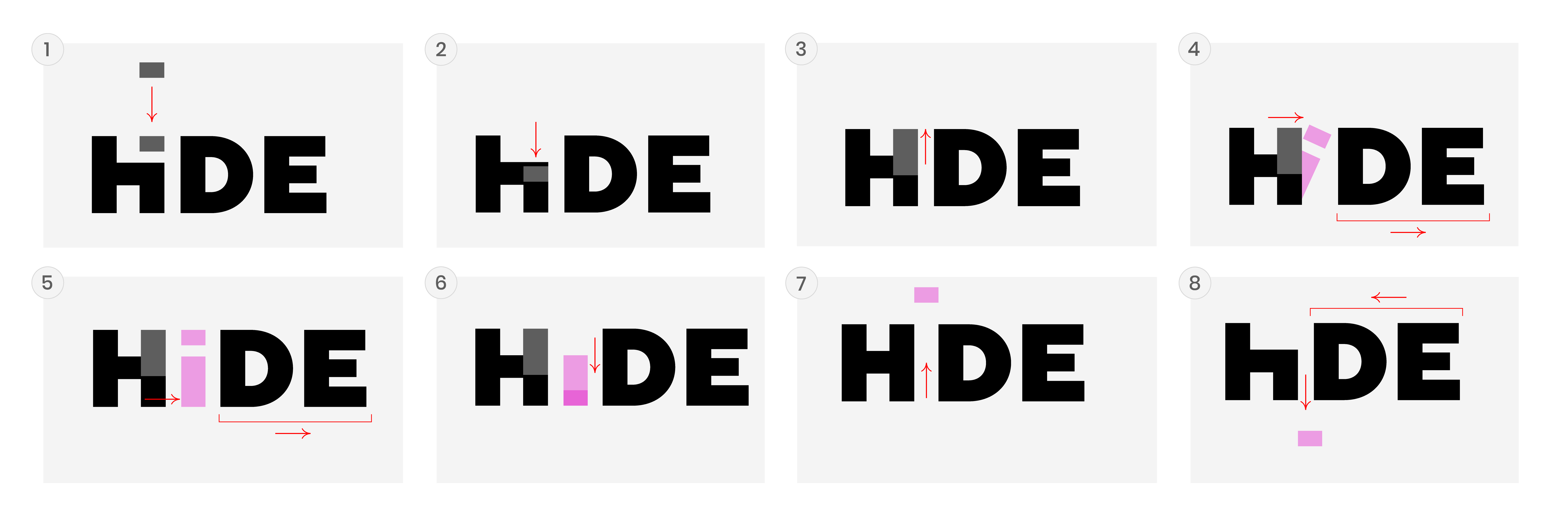
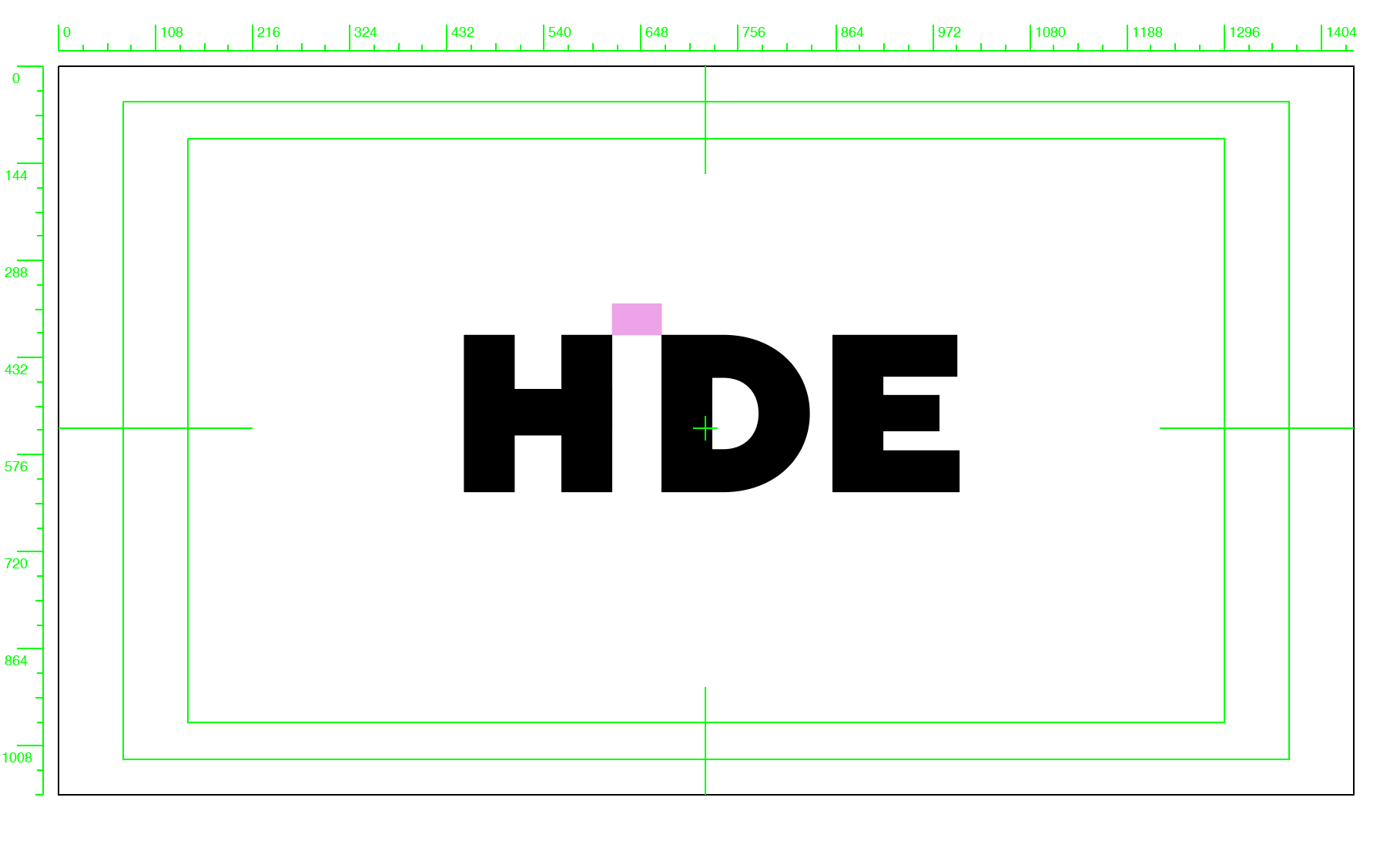
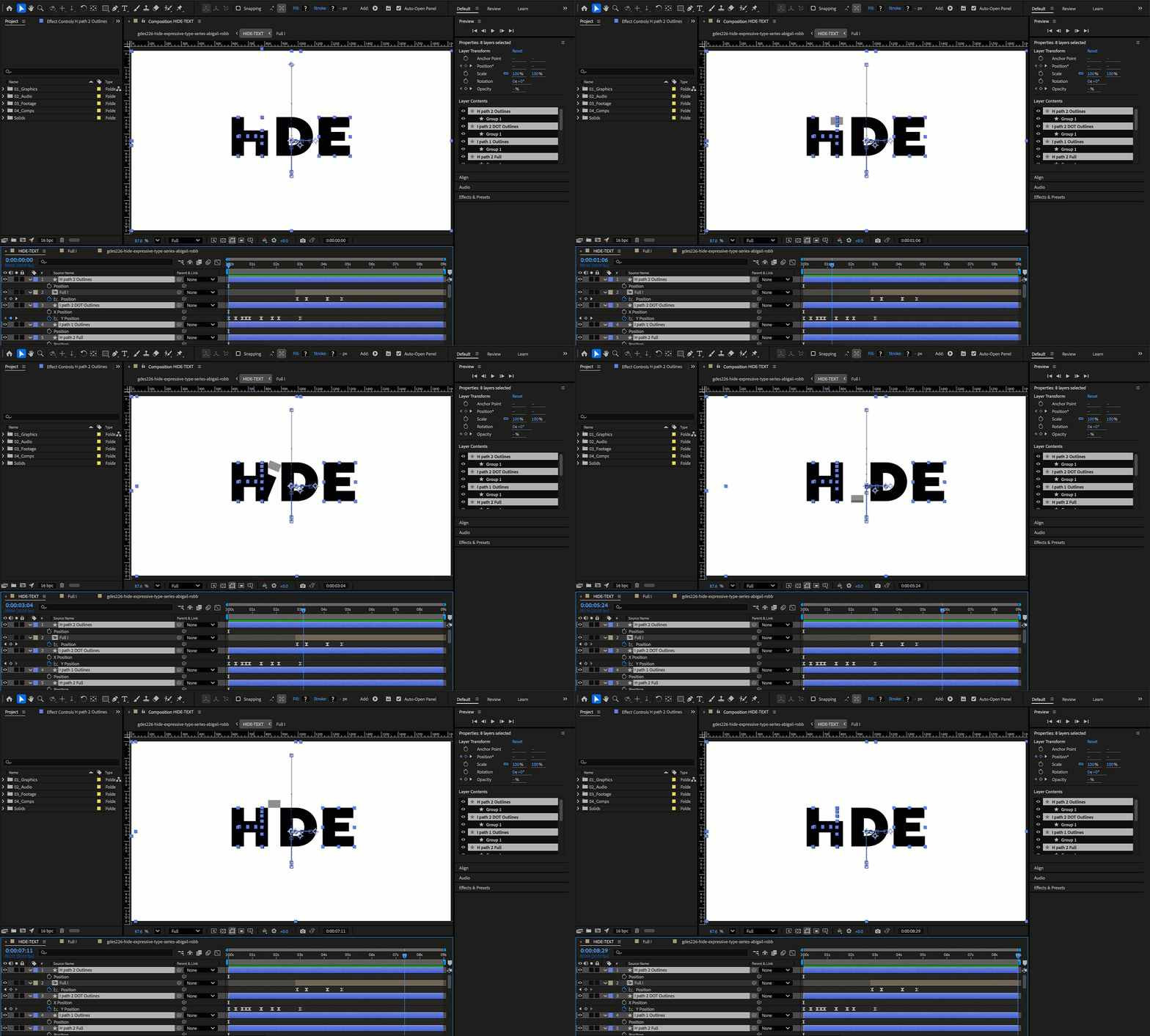
The process included exploring typefaces and color palettes, then storyboarding the animation concept of the “I” hiding behind the “H” and gradually emerging into full visibility. I created the animation in After Effects, focusing on timing and movement to communicate curiosity, confidence, and transformation. The takeaway was learning how motion can strengthen brand storytelling by showing an emotional journey in seconds. The final result is a compelling logo animation that visually represents HIDE’s values of empowerment, discovery, and growth while being easily repeatable for brand use.